Battery, screen, keyboard, charging and motherboard repairs for HP, Dell,
Lenovo, MacBook and more — at our workshop on Tip Toe Lane, Kokomlemle (Circle).
Free diagnosis. No fix, no fee.
Since 2010Repairing Laptops
FreeDiagnosis
From ₵80Service Charge
Pickup & Delivery
No Fix, No Fee
Quick Turnaround
Quote Before Work
Walk-ins Welcome
Book a Repair
Fill in the details and we'll get back to you promptly.
FreeDiagnosis
From ₵80Service Charge
No FixNo Fee
Mon–Sat8am – 7pm
What We Fix
Before & After: Common Laptop Repairs
The three repairs we do most often at our Accra workshop. Images are illustrative.
→
BeforeAfter
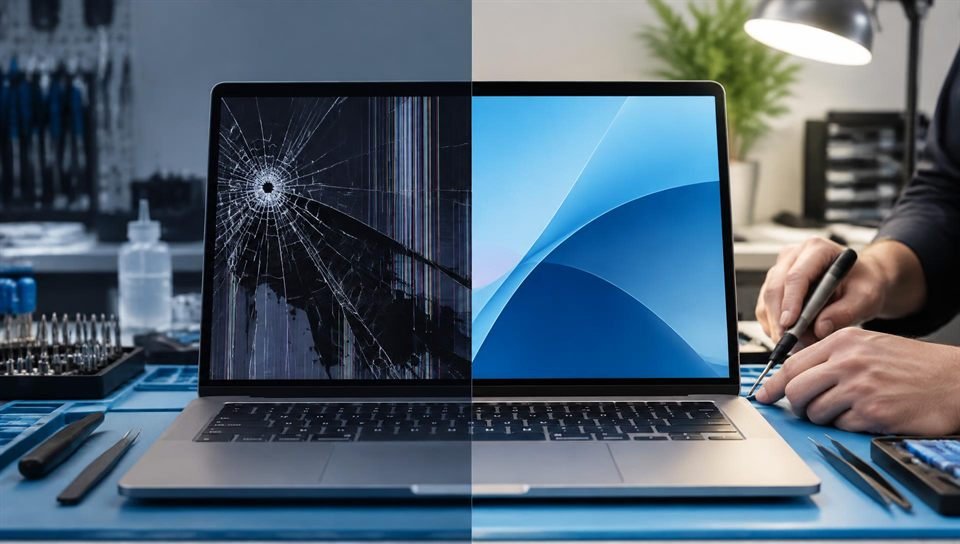
Screen Replacement
Cracked, lined or blank screen — new panel fitted, then tested for brightness, colour and touch where fitted.
→
BeforeAfter
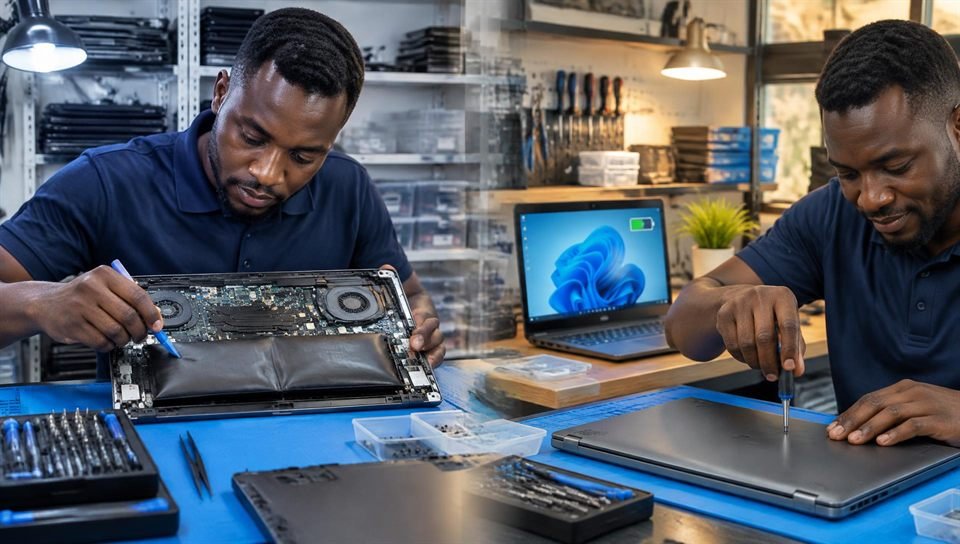
Battery Replacement
Swollen or worn-out battery removed safely and replaced, then charging and battery health tested.
→
BeforeAfter
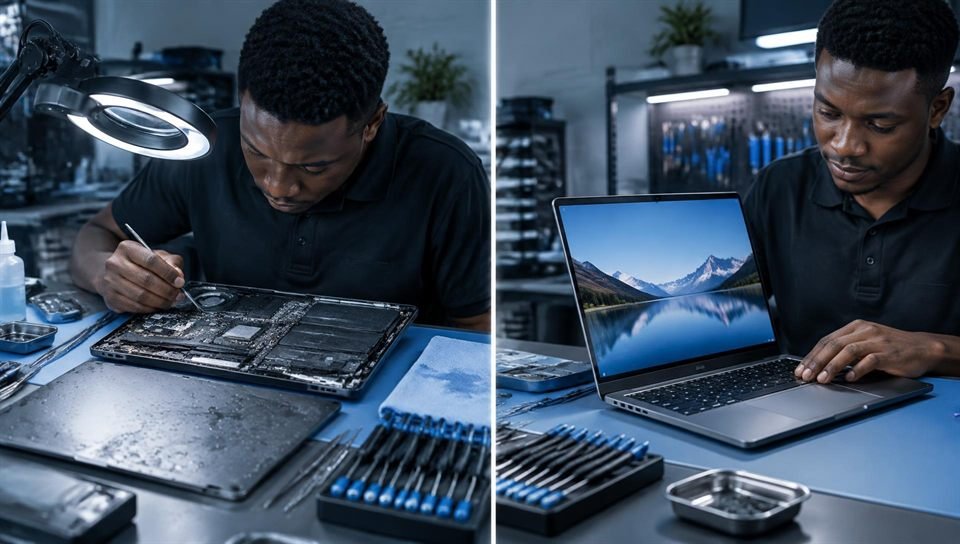
Water Damage Repair
Liquid residue cleaned from the board, dried and component-tested before the laptop is powered on.
⚡
Same Day Repairs
Minor repairs done in hours
🔍
Free Diagnosis
Know the fault before you pay
🧾
Quote Before Work
You approve the full cost first
🚚
Pickup & Delivery
Arranged on request
No Hidden Fees
Transparent Repair Pricing
Free diagnosis. Service charge from ₵80, depending on the job. Parts are charged at current market prices and quoted before we start — you approve the full cost first. No fix, no fee.
💻
Screen Replacement
LCD/LED display replacement
🔋
Battery Replacement
Original battery, tested to 100%
💾
Data Recovery
Recover files from failed drives
⚙️
Motherboard Repair
Component-level board repair
🖥️
OS Installation
Windows 10/11, drivers & setup
🌊
Water Damage Repair
Full clean, dry & component test
⌨️
Keyboard Replacement
Full keyboard swap, all brands
🌡️
Overheating Fix
Thermal paste, fan clean & replace
📡
WiFi/Bluetooth Fix
Card replacement or antenna repair
🔌
Charging Port Repair
DC jack or USB-C port replacement
🖱️
Touchpad Repair
Trackpad replacement or recalibration
📦
Full Service Clean
Deep clean, thermal, fan, SSD health check
💡 Not sure what's wrong? Book a free diagnosis — we'll tell you exactly what needs fixing and the cost before we start.
Laptop Problems
Common Laptop Problems We Fix in Accra
What the symptom usually means, what you can safely check first, and when to bring it to us.
No lights, no fan, nothing. Common causes are a faulty charger, a damaged charging port, a dead battery or a power fault on the motherboard.
Check first: Try another wall socket and, if you can, a charger of the correct wattage. Unplug USB devices, then hold the power button for 30 seconds with the charger out before trying again.
Lights or fan come on but the screen stays black. The cause can be the screen or its cable, the backlight, memory (RAM), or the graphics/motherboard.
Check first: Turn the brightness up and connect an external monitor or TV by HDMI. If the picture shows there, the screen or its cable is the likely fault.
The laptop dies within minutes, only works on the charger, or the touchpad or case is being pushed up. A swollen battery must be replaced — it is a safety risk.
Check first: If the case or touchpad is lifting, stop using and charging the laptop and bring it in. Do not press on or puncture a swollen battery.
Shows "plugged in, not charging", charges only at an angle, or the charger light goes off. The fault can be the charger, the cable, the charging port (DC jack or USB-C), the battery or the charging circuit.
Check first: Check the charger light and cable for damage and try another socket. Charging only when the plug is held at an angle usually means the port needs repair.
Dead, sticky or repeating keys, usually from wear or spilled liquid. We replace the keyboard; on some models it is fixed to the top case, which we also handle.
Check first: An external USB keyboard keeps you working in the meantime. After a spill, switch off and bring it in rather than waiting.
Very hot underside, loud fan, slowing down or switching off on its own. Usually dust in the fan and dried thermal paste — fixed with a full clean and new paste.
Check first: Use the laptop on a hard, flat surface, not a bed or cushion, so the vents are not blocked.
Liquid causes corrosion on the board that gets worse with time, even if the laptop still works. The sooner it is cleaned, the better the chance of a full repair.
Check first: Switch it off and unplug it at once. Do not charge it, switch it on to test it, or dry it with a hair dryer. Bring it in as soon as you can.
Typical response time: under 15 minutes · Mon–Sat 8AM–7PM
Got Questions?
Frequently Asked Questions
Everything you need to know before bringing your device to us.
Our workshop is at Lavana Plaza, 1st Floor, Tip Toe Lane, (Kwame Nkrumah Circle), Kokomlemle — opposite BlueCrest University College, Accra. Walk-ins are welcome Monday to Saturday, 8am–7pm. On Sundays we open by appointment — message us on WhatsApp first.
No appointment needed for walk-ins from Monday to Saturday, 8am–7pm. Sunday is by appointment only. For pickup & delivery, book through our website or WhatsApp and we will arrange a convenient time for you.
Yes. Diagnosis is free. We find the fault, then tell you the cost and timeline before any work starts — nothing is done without your approval.
Our service charge starts from ₵80, depending on the job. Parts such as screens, batteries and keyboards are charged at current market prices and quoted before we start, so you know the full cost upfront.
Most common repairs — screen replacement, battery, keyboard, OS installation — are completed same day or within 24 hours. More complex repairs like motherboard work or water damage recovery typically take 2–4 days. We always give you a timeline before we start.
If we cannot fix your device, you pay nothing. We will return your device and give you an honest assessment of your options — whether that is data recovery, selling for parts, or upgrading to a refurbished replacement from our shop.
We fit quality replacement parts that match your laptop model. Before we start, we tell you which part is needed and what it costs, so you approve the full price first.
We repair all major laptop and desktop brands — HP, Dell, Lenovo, Acer, Asus, Apple MacBook, Samsung, MSI, Toshiba, and more. If you are unsure, just message us on WhatsApp and we will confirm.
Absolutely. We treat customer data with the highest confidentiality. We never access, copy or view personal files. For repairs that require OS reinstallation, we always ask for your permission first and backup your data beforehand.
We accept Cash, MTN Mobile Money, Vodafone Cash, AirtelTigo Money, and bank transfer. Payment is only required after the repair is complete and you are satisfied. Corporate clients can arrange monthly invoicing.
Yes. Pickup and delivery can be arranged — book through our website or WhatsApp and we will confirm the arrangement, and any delivery cost, before collecting your device.